A Virtual Private Network (VPN) creates an encrypted connection between a user, site or device and your business network. It allows authorised users to access systems securely while keeping those systems hidden from the public internet.
Most businesses hear about VPNs all the time.
What they are less clear on is what they actually do and why they matter.
A VPN does not just help people work from home.
It changes how access to your systems is controlled.
Without one, many businesses rely entirely on usernames and passwords. That often means systems are reachable from anywhere on the internet.
With a VPN in place, access is restricted to people who connect in the right way first.
That changes the risk completely.
What a VPN Actually Does
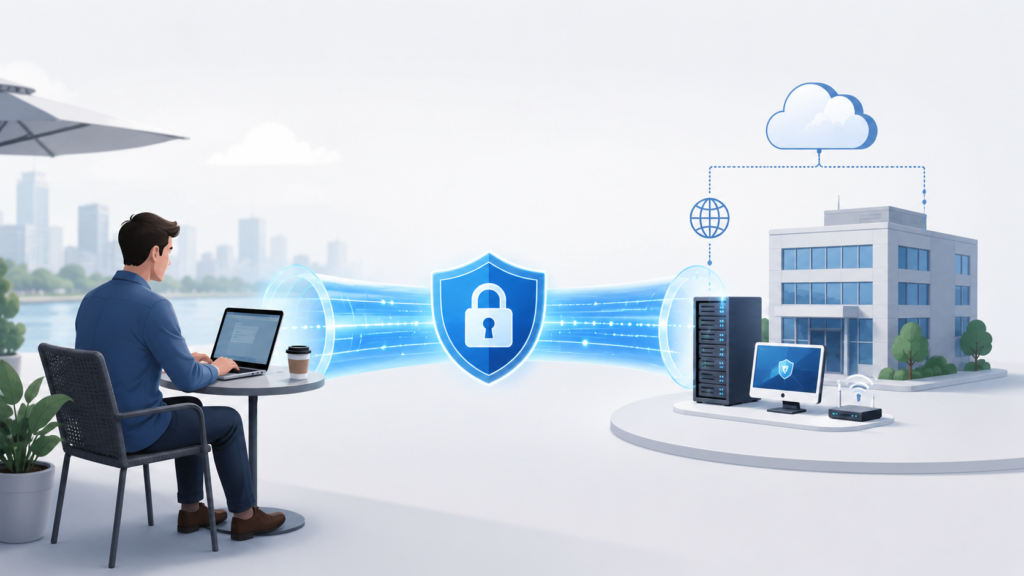
At its core, a VPN creates a secure connection between two places.
The easiest way to think about it is plumbing.
If you have water in one building and you need to get it to another, you would run a pipe between them. That pipe carries the water safely and keeps everything else out.
Connecting Sites Together
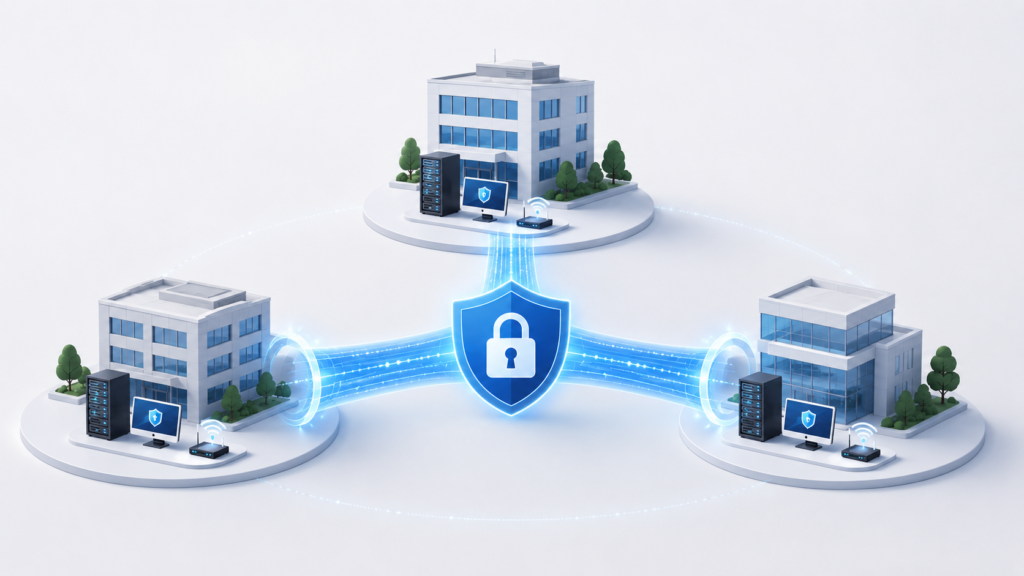
One of the most common uses for a VPN is linking multiple locations.
Instead of treating offices separately, they become part of one network.
That means people in one site can access:
- Files and servers in another location
- Shared applications
- Printers and devices
- CCTV and operational systems
For businesses with more than one site, this removes a lot of friction.
You are no longer managing separate environments.
Connecting to the Cloud
The same approach applies to platforms like Microsoft Azure or AWS.
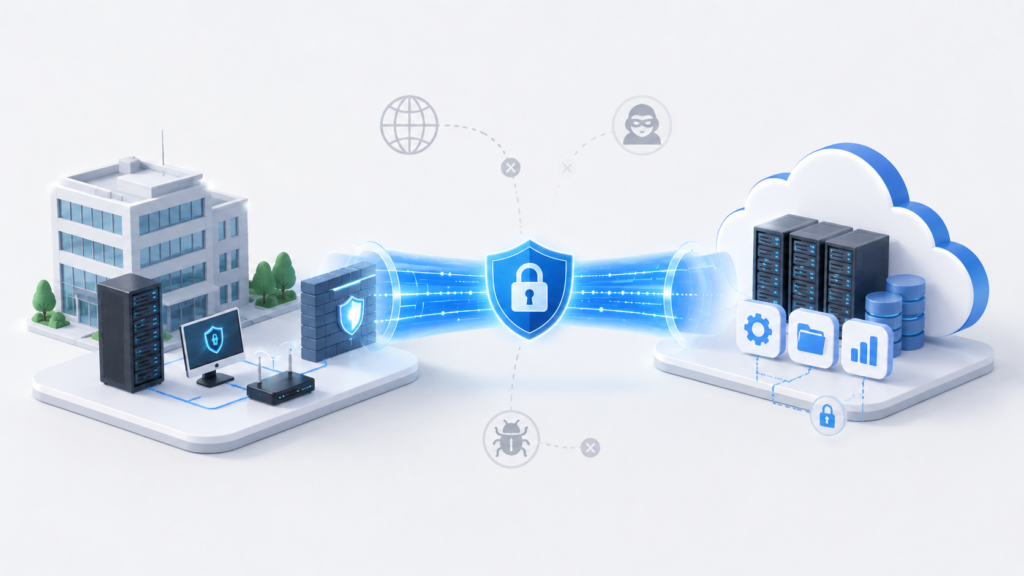
Rather than exposing systems to the internet, you create a secure path from your office into those environments.
That means access is limited to your network, rather than being open to the world.
It is a simple change, but it removes a large amount of exposure.
Remote Access for Staff
The second main use is remote working.
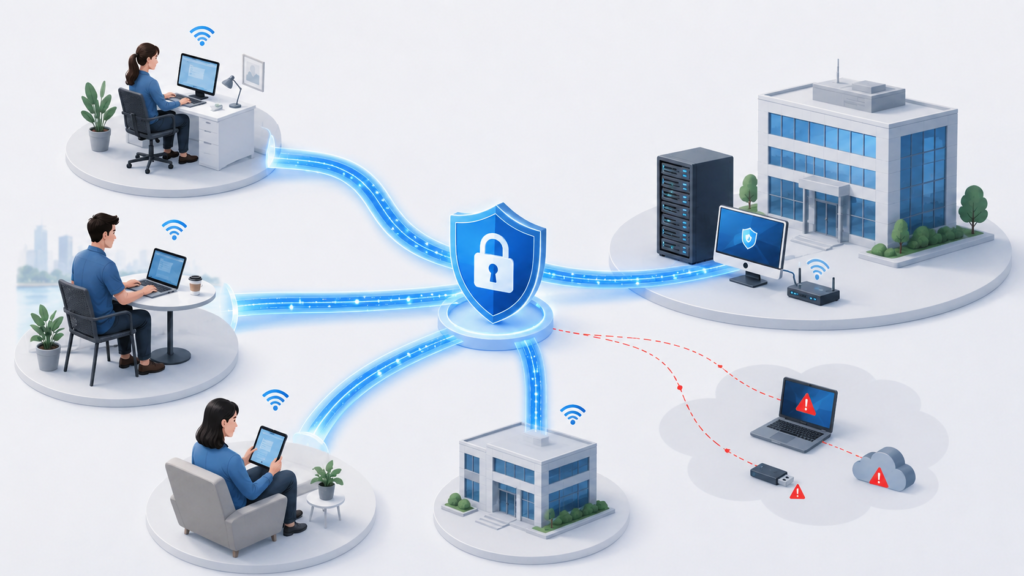
Instead of staff logging into systems directly over the internet, they connect into your network first.
Once connected, they work as if they are in the office.
This gives you far more control over what can be accessed and how that access is managed.nd up with a messy system that’s harder to manage and still unreliable.
Why Passwords Alone Are Not Enough
Most businesses rely on passwords and multi-factor authentication.
That is important, but it still assumes your systems are reachable.
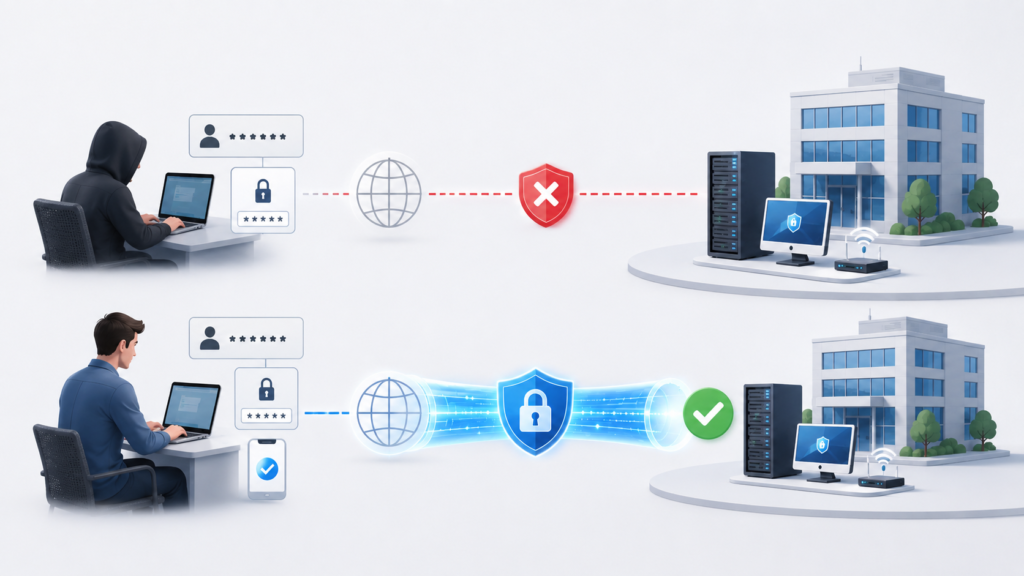
If someone gets hold of those credentials, they can still attempt access.
A VPN changes that.
Systems can be restricted so they are only available from inside your network.
So even with the correct login details, access is not possible without going through the VPN.
That removes a large part of the risk.
Why Businesses Outgrow Remote Access Tools
Many organisations start with tools like TeamViewer or AnyDesk.
For occasional access, they work well.
The issues come when they become permanent.
What we tend to see is:
- Personal accounts still in use
- No clear visibility of access
- Old sessions left active
- Access not being removed properly
At that point, control is missing.
A VPN brings that control back into the business.
Access is managed in one place rather than scattered across tools.
Comparison: Remote Access Methods
| Remote Access Method | Security Level | Best Use Case |
|---|---|---|
| Port forwarding | Low | Avoid where possible |
| TeamViewer / AnyDesk | Medium | Occasional support |
| Business VPN | High | Staff and site access |
| Zero trust access | Very high | Larger organisations |
Where a VPN Fits in Your Setup
A VPN is not a complete solution on its own.
It needs to sit alongside:
- A properly configured firewall
- Strong authentication
- Monitoring and alerting
- Clear access control
Its job is to control how access happens.
The rest of the system still needs to support it.
Why This Matters in Practice
Most issues we come across are not caused by advanced attacks.
They come from systems being exposed unnecessarily.
Access left open
Services available from anywhere
Too much reliance on passwords
A VPN reduces that exposure.
Instead of multiple ways into your systems, you have one controlled route.
Final Thoughts
A VPN is not really about remote working.
It is about control.
Control over who can access your systems, where they can do it from, and how that access is managed.
Once you look at it that way, it becomes a much more important part of your setup.
FAQ
What is a business VPN?
A business VPN allows users to connect securely into a company network through an encrypted connection instead of exposing systems directly to the internet.
Do small businesses need a VPN?
Yes. If staff need remote access or systems are accessed outside the office, a VPN helps reduce exposure and improve control.
Can a VPN replace a firewall?
No. A VPN controls access, while a firewall filters traffic. Both are needed.
What is the difference between a VPN and Remote Desktop?
Remote Desktop connects directly to a machine. A VPN connects you into the network first, then allows access.
Can a VPN stop hackers?
A VPN reduces exposure but does not replace security. It should be part of a wider setup including monitoring and authentication.
Need Help?
At Affirm IT, we look at how your business actually operates first.
Then we design access in a way that keeps things simple for your team but controlled behind the scenes.
If you want to review how your remote access is currently set up, get in touch with us. At Affirm IT, we specialise in providing comprehensive IT support for small businesses in Heanor, Ripley, Ilkeston, and Eastwood