
Ask a manufacturer what would stop the business, and most will say the same thing.
“If the system goes down, we stop.”
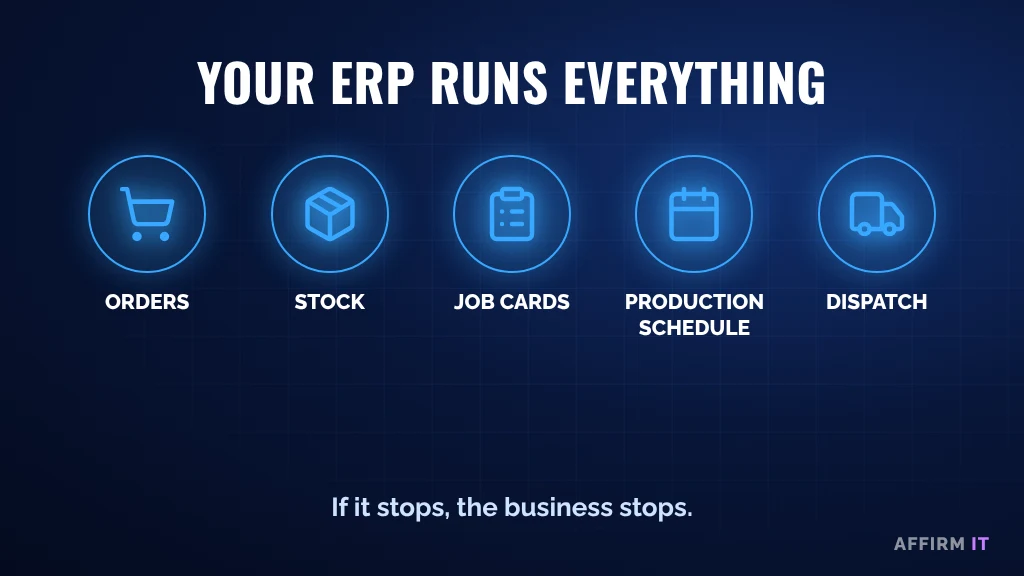
The ERP or MRP system runs everything: orders, stock, job cards, production schedules, dispatch, invoicing. It’s the heart of the business.
So it’s worth asking a simple question: what are all the ways it could stop?
The Five Single Points of Failure
A single point of failure is anything that, on its own, can bring everything to a halt. Around most ERP systems there are more than people realise.
1. The server
If the system runs on a server in your building, that server is a single point of failure. Hardware fails, and a four-hour maintenance agreement usually means an engineer arrives in four hours, not that it’s fixed.
2. The database
Even if the server is fine, the database can be damaged, for example by a failed update. That’s exactly what happened in this real recovery story.
3. The one person who knows how it works
Often one person in the business understands the system: the settings, the workarounds, the reports. If they’re off sick or leave, that knowledge goes with them.
4. The software supplier
If something breaks, how quickly does your supplier respond? Do you have a support contract, and is it still in date?
5. The internet connection
If the system is in the cloud, or staff connect to it remotely, your internet connection becomes a single point of failure. A backup connection is often cheaper than people expect.
How to Reduce the Risk
- Know your two numbers: how much data you can afford to lose, and how long you can afford to be down
- Test recovery, not just backups: restore the system and show it working
- Write it down: document how the system is set up, so it doesn’t live in one person’s head
- Check your supplier contract: response times, renewal date and who to call
- Plan for the internet going down: a backup line, or a way to keep working offline
We explain the difference between backup and keeping the business running in Why Backups Don’t Keep Your Business Running.
Frequently Asked Questions
Is a cloud ERP safer than one on our own server?
It removes the server as a single point of failure, but adds the internet connection. Either can work well if the risks are planned for.
How often should we test recovery?
At Affirm IT, our customers’ backups are restored and checked every day. At the very least, test a full recovery of your key system regularly.
Need Help?
At Affirm IT, we start with simple questions:
- What would happen if your ERP stopped this morning?
- Who could get it working again?
- When was recovery last tested?
Want to know what an hour without your system costs? Take our free 2-minute IT scorecard, or work out what downtime costs you with our downtime cost calculator.
Or get in touch with us. At Affirm IT, we provide IT support for manufacturers and managed IT support in Derbyshire and across the East Midlands.