The email arrives from your biggest customer.
“As part of our supplier review, please confirm your Cyber Essentials certification by the end of next month.”
You don’t have it.
And you’re not sure how long it takes, what it involves, or whether you’d pass.
Why Customers Are Asking
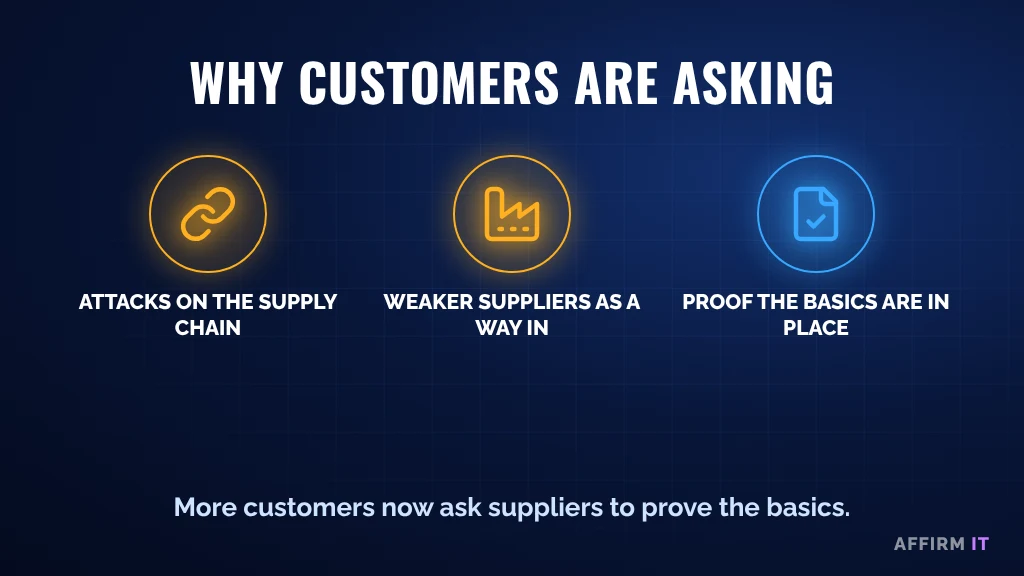
Larger manufacturers know that criminals often attack the supply chain. A smaller supplier with weaker security can be the route into a bigger business. So more and more customers, especially in sectors like automotive, aerospace and defence, are asking suppliers to prove the basics are in place.
Cyber Essentials is the UK government-backed way to show that.
What It Checks
Cyber Essentials checks five things: firewalls, secure configuration, security updates, user access control and malware protection. We explain each one in Cyber Essentials Explained in Plain English.
Where Manufacturers Usually Get Caught Out
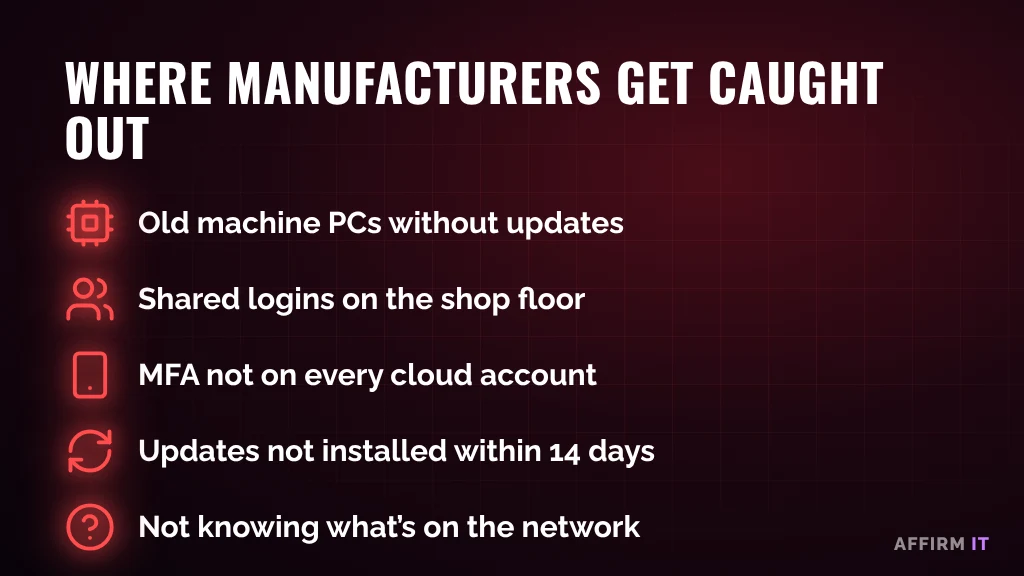
- Old machine PCs that no longer get security updates. Read how to keep them safe
- Shared logins on shop-floor computers
- MFA not switched on for every cloud account, which is now an automatic fail
- Updates not installed within 14 days, which is also an automatic fail
- Not knowing what’s on the network, so nobody can say which devices are in scope
A Simple Plan
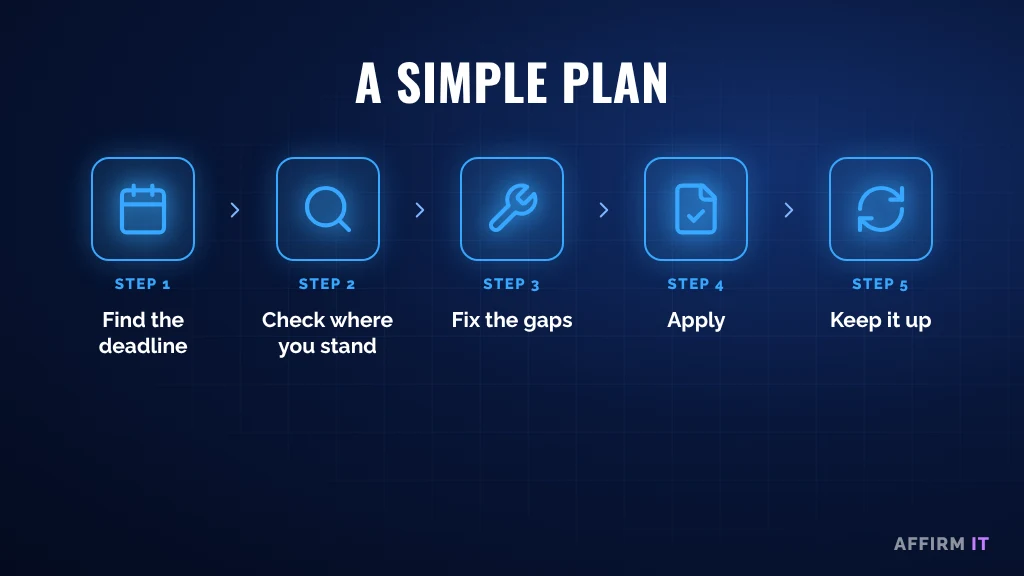
1. Find out the deadline
Ask your customer when they need it, and whether they need Cyber Essentials or Cyber Essentials Plus.
2. Check where you stand
Before applying, review your setup against the requirements. This is where most of the work is.
3. Fix the gaps
Usually that means switching on MFA, catching up on updates, separating old devices and tidying up admin accounts.
4. Apply
Once the gaps are closed, complete the assessment with confidence rather than hoping to pass.
5. Keep it up
Certification lasts for 12 months. The real benefit comes from keeping the basics in place all year, not just at renewal.
Frequently Asked Questions
How long does it take to get Cyber Essentials?
It depends on how many gaps there are. If your IT is already in good shape, it can be quick. If there are old devices or MFA isn’t switched on, allow time to fix those first.
What’s the difference between Cyber Essentials and Cyber Essentials Plus?
Cyber Essentials is a self-assessment checked by a certification body. Cyber Essentials Plus adds a hands-on technical audit of your devices.
Need Help?
At Affirm IT, we start with simple questions:
- When does your customer need it by?
- Is MFA switched on for every cloud account?
- Which devices on your network can’t be updated?
Want a quick view of where you stand? Take our free 2-minute IT scorecard, or work out what downtime costs you with our downtime cost calculator.
Or get in touch with us. At Affirm IT, we provide IT support for manufacturers and managed IT support in Derbyshire and across the East Midlands.