Most cyber attacks aren’t discovered when they begin. They’re discovered days, weeks or even months later.
They’re discovered when files have been encrypted, money has gone missing, or sensitive company data has already been stolen.
For many businesses, the attacker has been inside their systems for far longer than anyone realised.
According to IBM’s 2024 Cost of a Data Breach Report, organisations took an average of 194 days to identify a breach and 258 days to identify and contain it. That’s months in which attackers can observe, move through systems and prepare for a much more damaging attack.
Start With a Simple Scenario
Let’s say you’ve got a server that staff access remotely.
Ideally, that should be secured behind a VPN with multi-factor authentication.
(We’ve covered why that matters here:
Why Your Business VPN Matters)
But let’s assume it isn’t.
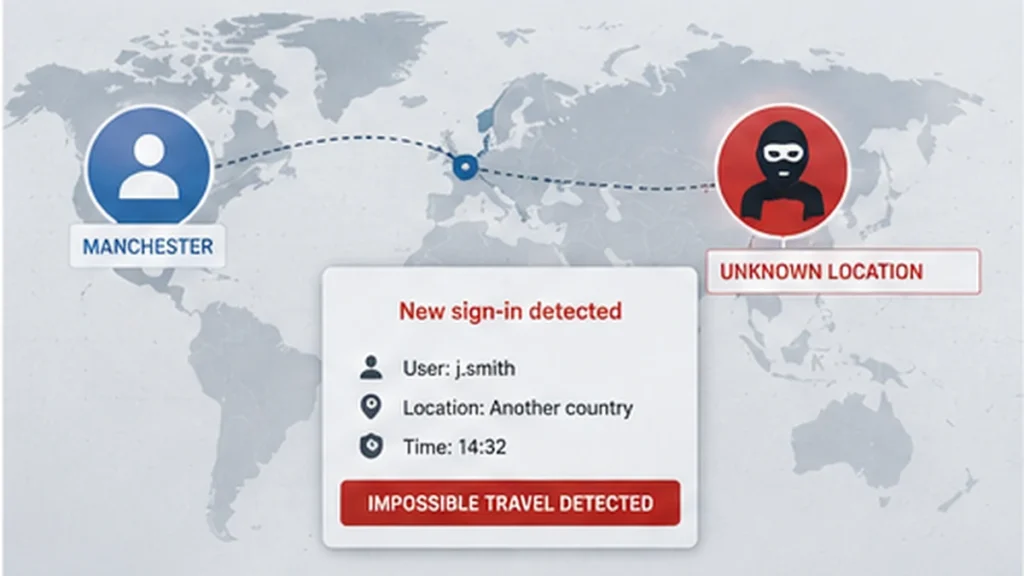
You’ve got a member of staff who logs in every day from Manchester.
Then suddenly that same account logs in from another country.
Would you even know?
What This Looks Like in Practice
From the system’s perspective, nothing unusual happens.
The login is accepted.
No warning appears.
No internal alert is raised.
But behind the scenes, behaviour has changed completely.
That’s where the risk starts.
Stage 1: The Login
One minute your trusted member of staff is in Manchester.
The next minute, they’re connecting from another country.
This is known as “impossible travel”.
It should raise immediate concern.
But without monitoring:
The login is accepted
No alert is triggered
No investigation takes place
Stage 2: Establishing Access
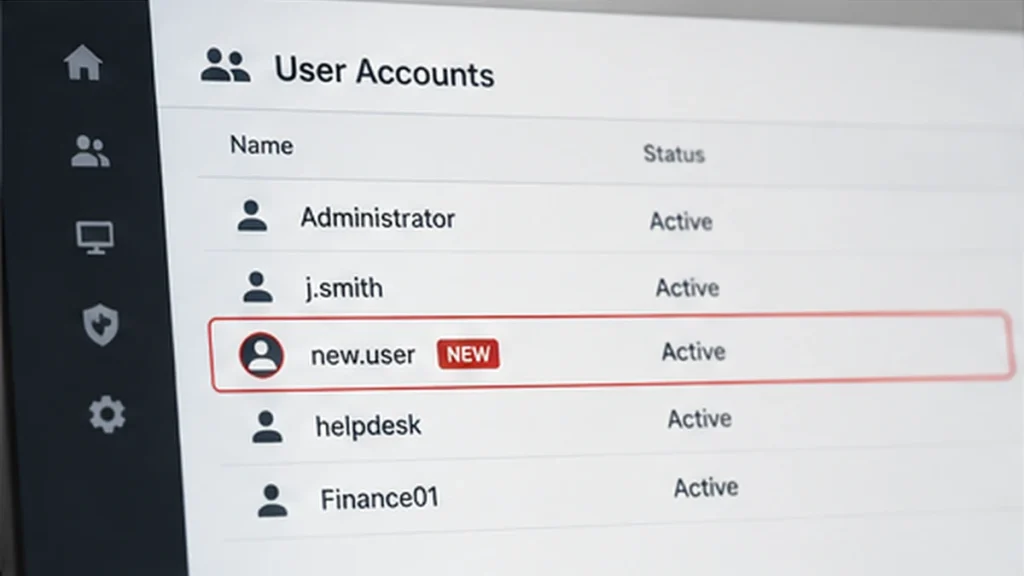
The next action might be creating a new user account.
Something simple. Easy to overlook.
From a system perspective, allowed.
Antivirus won’t flag it.
But in context, it’s not normal behaviour.
How often should new users appear on your systems without anyone asking why?
Stage 3: Making Access Persistent
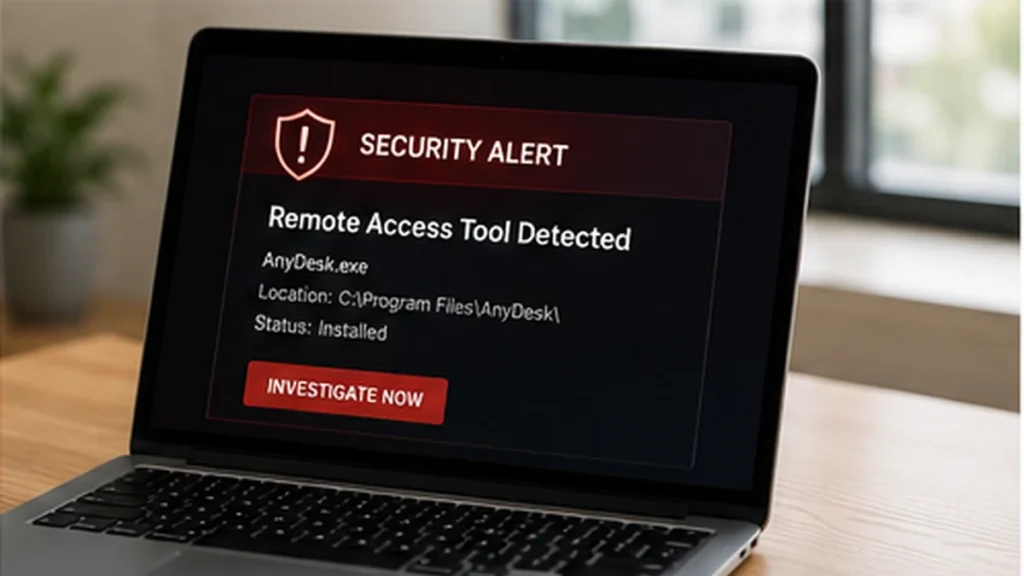
Next, a remote access tool is installed.
On its own, that’s not unusual.
But combined with everything else, it becomes a clear warning sign.
This is how someone ensures they can get back in later.
That can take hours or days depending on the issue.
During that time, the business is often waiting.
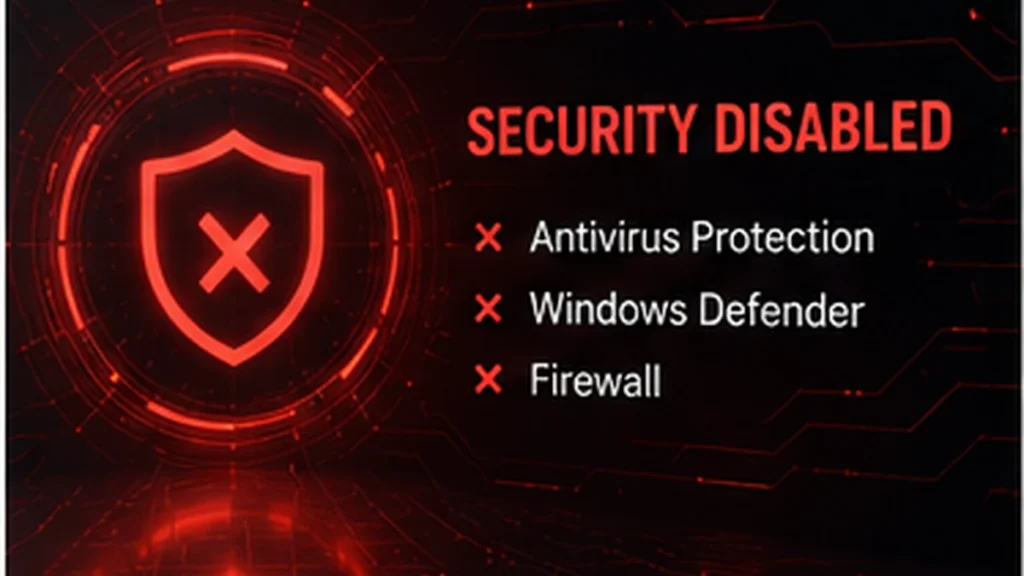
Stage 4: Turning Off Protection
The final step is often disabling security controls.
Again, technically possible.
But should it happen without anyone knowing?
No.
If protection is switched off quietly, you’re relying on luck.
This Isn’t Just About Servers
The same applies across your whole environment:
- Microsoft 365
- Email accounts
- Laptops and PCs
If something unusual happens, would you know?
Or could someone be sitting inside your systems without being detected?
Where This Becomes Financial
This is where it stops being technical.
One of the most common outcomes is invoice fraud.
Access isn’t used immediately.
It’s observed.
Patterns are learned:
- Who sends invoices
- When payments are made
- What emails look like
Then at the right moment:
- A real invoice is intercepted
- Details are changed
- A modified version is sent on
Everything looks normal.
Until the supplier asks where the payment is.

This Is the Real Problem
Attacks don’t always force their way in.
They get in quietly.
And then they stay there.
The longer they go unnoticed, the worse the outcome becomes.led.
What Monitoring Actually Changes
With monitoring in place, the same activity looks very different:
- Login from another country → flagged
- New user created → investigated
- Remote access installed → reviewed
- Security disabled → escalated
The attack may still begin.
But it gets seen early.
The Missing Piece: Someone Has to Act
An alert on its own doesn’t solve the problem.
It only matters if someone reviews it and decides what to do next.
That’s the difference between having visibility and actually reducing risk.
It’s Not Just About Security
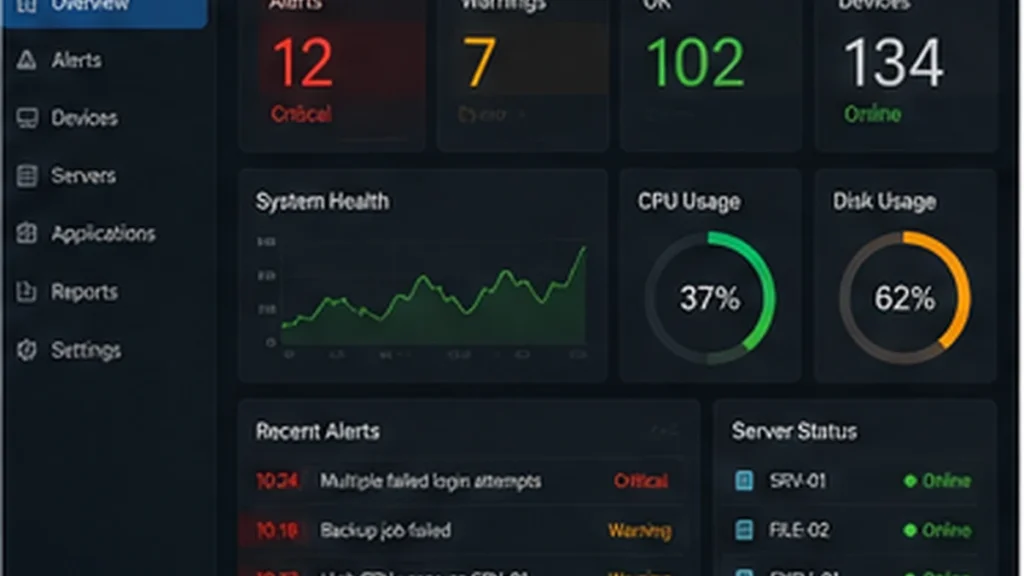
Monitoring also highlights operational issues before they become problems.
For example:
- Servers running out of disk space
- Backup failures
- Performance problems
- Hardware faults
These don’t cause breaches, but they cause downtime.
And the impact is often just as real.
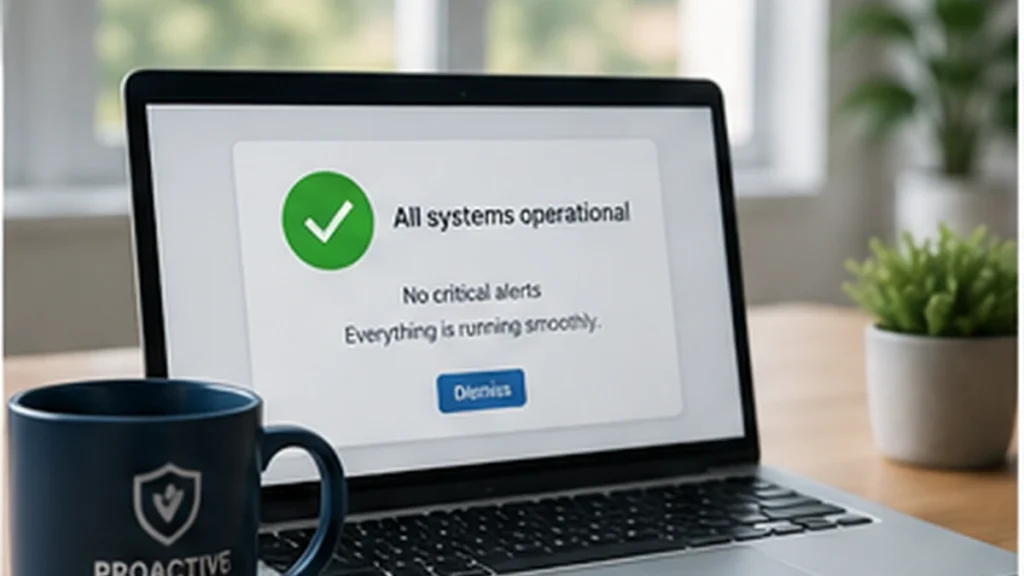
The Difference That Matters
There’s a big difference between:
“We saw something and dealt with it”
and
“We found out after the damage was done”
That difference is visibility.
The Good News
Most attacks follow patterns like this.
They’re not random.
Which means they can be detected early if someone is watching for the right things.
Final Thoughts
Antivirus still matters.
Firewalls still matter.
Passwords and MFA still matter.
But without monitoring, you don’t know what’s happening.
And if you don’t know what’s happening, you’re reacting too late.
FAQ
What is IT monitoring?
It’s the process of tracking activity across systems and identifying unusual or risky behaviour.
Does monitoring prevent breaches?
Not always, but it allows issues to be detected early before they cause damage.
What should be monitored?
User logins, system changes, device behaviour and security events.
Is Microsoft 365 monitored automatically?
Basic logging exists, but it usually needs additional setup and review to be effective.
How quickly should issues be acted on?
As soon as possible. Early response is what reduces impact.
Need Help?
At Affirm IT, we focus on making risks visible.
We start with simple questions:
- Would you know if someone logged in from another country?
- Would you know if a new account appeared?
- Would you know if protection was disabled?
- Would you know if something unusual was installed?
From there, we implement monitoring that makes those risks visible before they become problems.
If you want to understand how exposed your business might be, get in touch for a monitoring review.
If you’re not confident, get in touch with us. At Affirm IT, we specialise in providing comprehensive IT support for small businesses in Heanor, Ripley, Ilkeston, Eastwood and all over the UK