
It’s 8:30 on Monday Morning. One of Your Employees Can’t Find Their Laptop.
They’ve checked the office.
They’ve checked their bag.
They’ve checked the car.
It isn’t there.
Now you’re asking a much more serious question:
What was on it — and can anyone get to it?

Start With a Simple Question
When a Laptop Goes Missing, It’s Not Just the Hardware
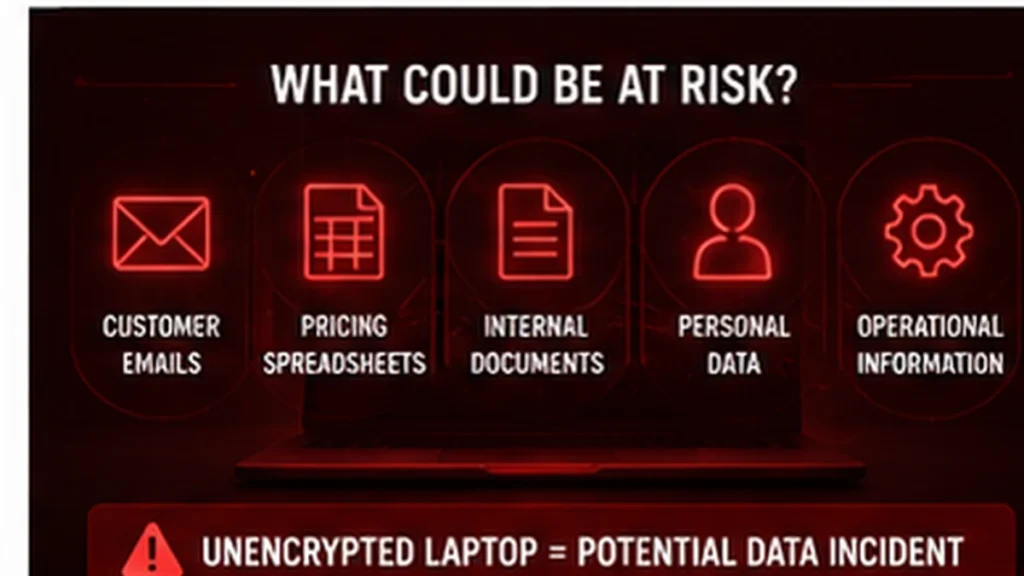
That device might contain:
- customer emails
- pricing spreadsheets
- internal documents
- CVs or personal data
- operational or manufacturing information
If that laptop isn’t encrypted, you’re not just dealing with a lost device.
You’re potentially dealing with a personal data incident.
Depending on what was stored on the device, you may need to consider whether the incident is reportable to the ICO and whether affected individuals need to be informed.
Now Let’s Compare That to an Encrypted Laptop
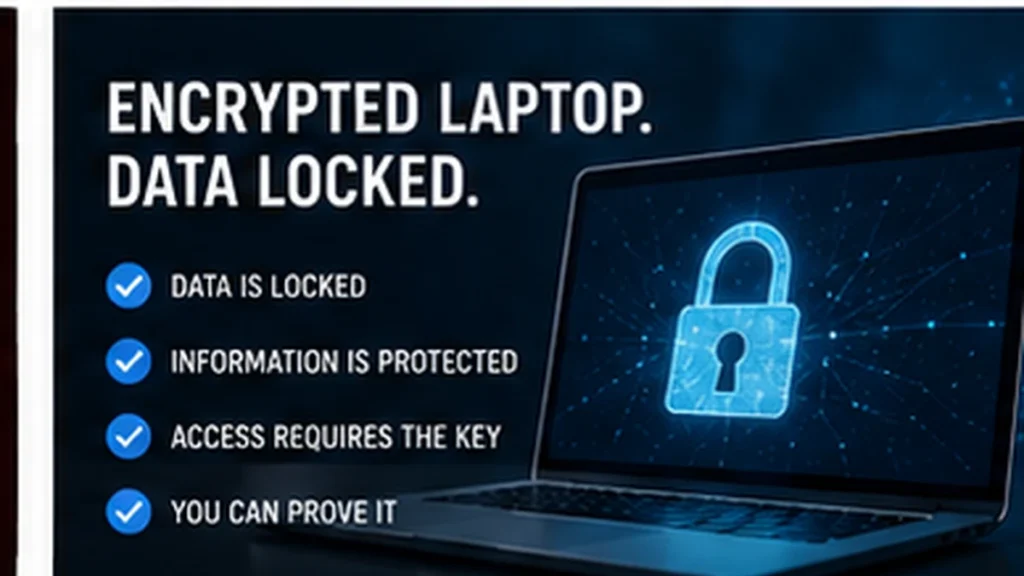
If that same device is fully encrypted, the situation changes.
The device is still missing.
But the data inside it is locked.
You can’t always stop someone stealing the hardware.
You can stop them stealing the information on it.
And just as importantly:
You can prove it.
We centrally record BitLocker recovery keys for our customers.
So if you’re asked:
“Was this device encrypted?”
You don’t have to guess.
You can demonstrate:
- encryption was enabled
- the device was protected
- the data could not be accessed without the key
That can be invaluable if you’re dealing with:
- the ICO
- insurers
- auditors
- internal investigations
Most businesses think encryption is something you turn on. In reality, being able to prove it was on can matter just as much.
This Isn’t Just About Worst-Case Scenarios
Let’s bring it back to something much more everyday.
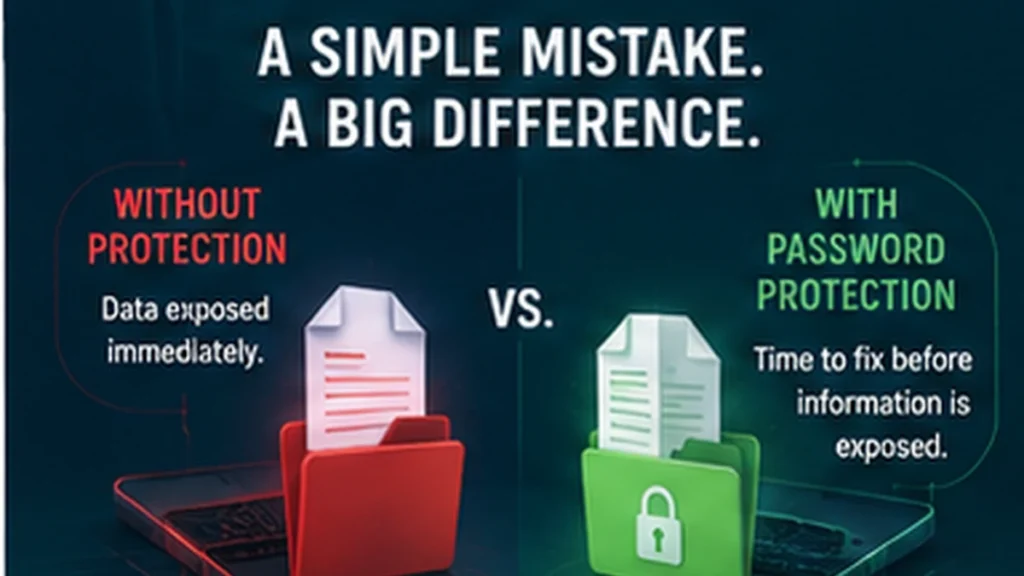
You send a pricing spreadsheet to a customer.
Except it’s the wrong one.
Without protection, they open it instantly and see everything.
With a password on it:
The password hasn’t stopped the mistake.
It’s given you the chance to fix it before the information is exposed.
So Where Does Encryption Actually Fit?
This is where a lot of businesses get caught out.
They assume:
“We’ve got Microsoft 365, so everything must be secure.”
But encryption doesn’t work like that.
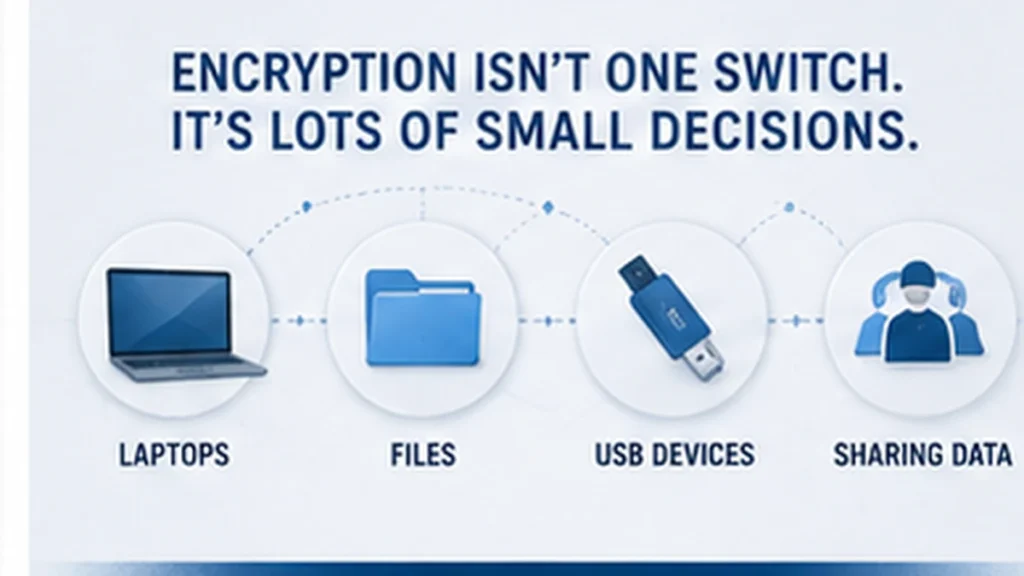
Encryption isn’t one switch you turn on. It’s lots of small decisions that all work together.
- laptops
- files
- USB devices
- how data is shared
Individually, they don’t seem critical.
Together, they define your risk.
And It’s Not Just Laptops
Laptops aren’t the only devices that store business data.
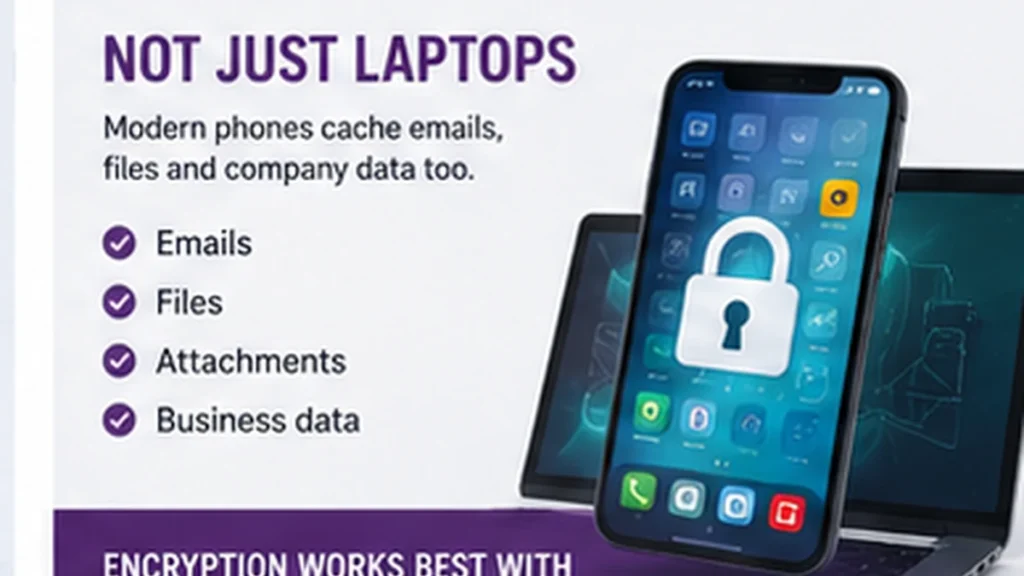
Modern phones often cache emails, files and company information too.
That’s why encryption works best as part of a wider device management strategy.
Because the real question isn’t just:
“Is the laptop encrypted?”
Do we actually know where our data is, and who has access to it?
A Password Isn’t the Same as Encryption
This is one of the biggest misconceptions.
People think:
“It’s got a login password, so it’s secure.”
It isn’t the same thing.
Think of it like locking your front door but leaving all the windows open.
A password stops someone logging in normally.
Encryption protects the data even if someone removes the hard drive and reads it somewhere else.
Where Businesses Get Caught Out
The risk is rarely one big failure.
It’s usually a combination of small gaps:
- a laptop without encryption
- a phone that isn’t managed
- a file sent without protection
- a USB drive that goes missing
On their own, they don’t feel critical.
But when something goes wrong, that’s when they matter.
The Real Point
Encryption isn’t about stopping hackers.
It’s about controlling outcomes.
- When a laptop is lost
- When a file is sent incorrectly
- When a device ends up somewhere it shouldn’t
Encryption is there to stop a simple mistake becoming a data breach
Frequently Asked Questions
If a laptop is stolen, do we always need to report it to the ICO?
Not always.
It depends on what data was stored on the device and whether it was properly protected.
If the device wasn’t encrypted and contained personal data, you may need to consider whether the incident is reportable and whether affected individuals should be informed.
If it was encrypted, the risk is often significantly reduced — but it still needs to be assessed properly.
Does having a password on a laptop mean it’s secure?
No.
A password only controls access to the operating system.
If the device isn’t encrypted, the data can still be accessed using other methods.
Encryption protects the data itself, not just the login screen.
What is BitLocker and why does it matter?
BitLocker is a built-in encryption feature in Windows that protects the entire hard drive.
The key benefit isn’t just that it encrypts the data — it’s that it does it automatically in the background.
What most businesses miss is the second part:
You also need to know that it’s enabled and be able to prove it.
Why does recording BitLocker recovery keys matter?
Because at some point, someone will ask:
“Can you prove that laptop was encrypted?”
If you don’t have that recorded centrally, you’re relying on assumptions.
If you do, you can demonstrate it immediately — which can be invaluable when dealing with insurers, auditors or the ICO.
Are laptops the only risk?
No.
Modern phones and tablets also store business data.
Emails, files and attachments are often cached locally on devices.
If those devices aren’t managed, you may not know:
- whether they’re encrypted
- where the data is stored
- or whether it can be removed
That’s why encryption works best as part of a wider device strategy.
Is encryption complicated to implement?
Not particularly.
Most modern systems already include encryption tools like BitLocker.
The challenge isn’t turning it on.
The challenge is:
- making sure it’s consistently applied
- knowing which devices are covered
and being able to prove it when needed
Need Help?
If you’re reading this and thinking about your own setup, start with a few simple questions:
- If a laptop was lost today, could we prove it was encrypted?
- Do we know where all of our business data is stored?
- Are staff accessing emails and files on unmanaged phones?
- Could we demonstrate our controls if we had to?
- Are we relying on assumptions instead of visibility?
If any of those questions are difficult to answer, it’s usually a sign that there are gaps.
And the problem with gaps is that you don’t notice them until something goes wrong.
If you’re not confident in your worst-case scenario, get in touch with us. At Affirm IT, we specialise in providing comprehensive IT support for small businesses in Heanor, Ripley, Ilkeston, Eastwood and all over the UK